> ## Documentation Index
> Fetch the complete documentation index at: https://docs.getlago.com/llms.txt
> Use this file to discover all available pages before exploring further.
# Lago MCP Server
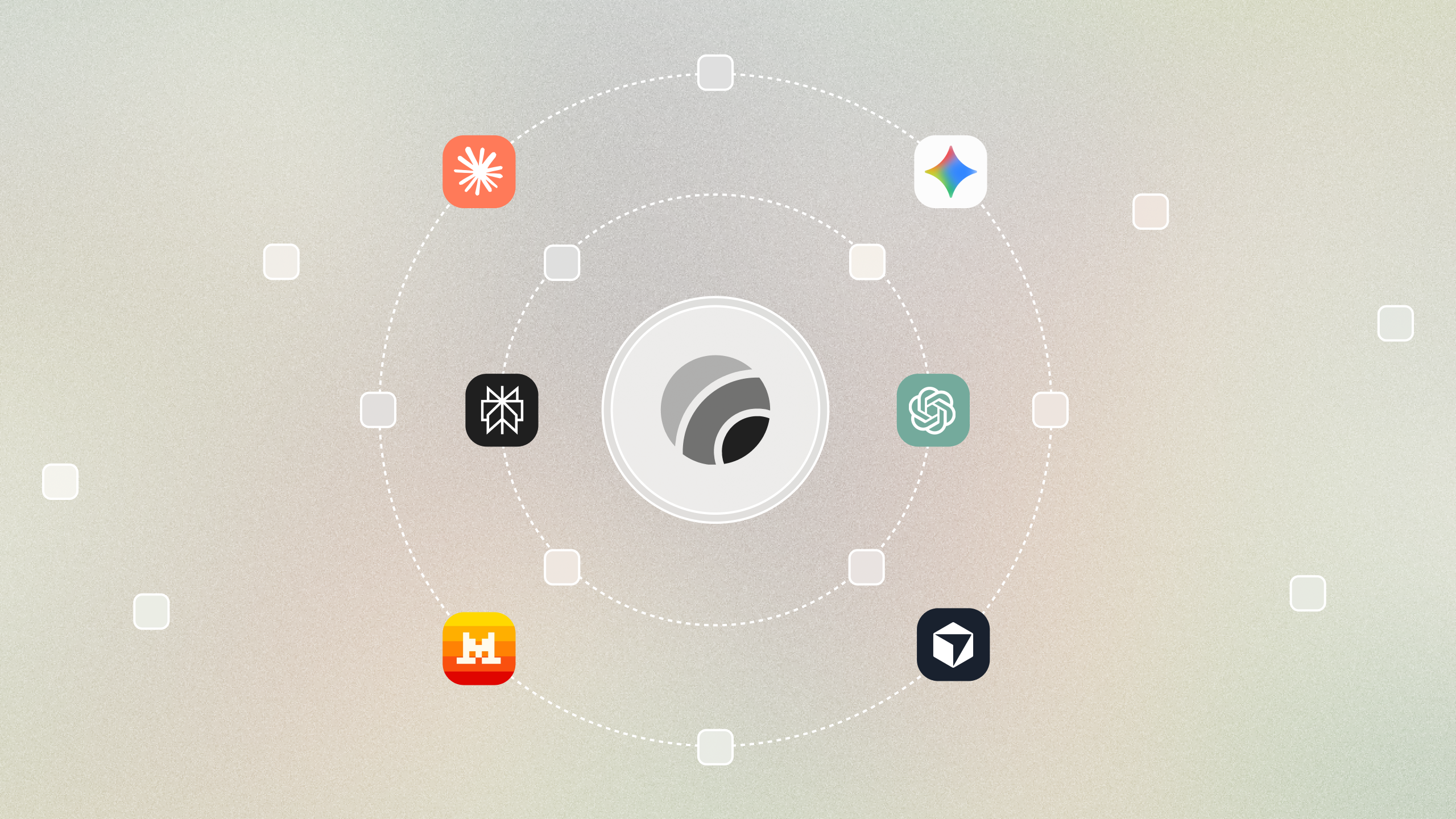
> Connect Lago live data, models, and billing logic to any AI system, bringing billing context and interactions everywhere.
The [Lago MCP Server](https://github.com/getlago/lago-agent-toolkit) (Model Context Protocol) is written in Rust and provides AI assistants (like Claude) with direct access to Lago's billing data.
The server acts as a bridge between AI models and the Lago API, enabling natural language queries about invoices, customers, and billing information.
 ## Quick start using Claude Desktop
### Configure Claude Desktop
The easiest way to get started is using the pre-built Docker image with Claude Desktop:
```json theme={"dark"}
{
"mcpServers": {
"lago": {
"command": "docker",
"args": [
"run",
"--rm",
"-i",
"--name", "lago-mcp-server",
"-e", "LAGO_API_KEY=your_lago_api_key",
"-e", "LAGO_API_URL=https://api.getlago.com/api/v1",
"getlago/lago-mcp-server:latest"
]
}
}
}
```
### Set your credentials
Simply replace your `LAGO_API_KEY` with your actual Lago API key. You can find this in your Lago dashboard under API settings.
Also, make sure that you are using the right `LAGO_API_URL` for your Lago instance.
### Start chatting
Once configured, you can ask Claude natural language questions about your billing data:
* "Show me all pending invoices from last month"
* "Find all failed payment invoices"
* "Give me the total amount of overdue invoices for the month of March 2025"
The list of available commands and their descriptions can be found in the [Lago MCP Server GitHub repository](https://github.com/getlago/lago-agent-toolkit?tab=readme-ov-file#available-tools).
You can contribute to the project by adding more commands or improving existing ones.
## Quick start using Claude Desktop
### Configure Claude Desktop
The easiest way to get started is using the pre-built Docker image with Claude Desktop:
```json theme={"dark"}
{
"mcpServers": {
"lago": {
"command": "docker",
"args": [
"run",
"--rm",
"-i",
"--name", "lago-mcp-server",
"-e", "LAGO_API_KEY=your_lago_api_key",
"-e", "LAGO_API_URL=https://api.getlago.com/api/v1",
"getlago/lago-mcp-server:latest"
]
}
}
}
```
### Set your credentials
Simply replace your `LAGO_API_KEY` with your actual Lago API key. You can find this in your Lago dashboard under API settings.
Also, make sure that you are using the right `LAGO_API_URL` for your Lago instance.
### Start chatting
Once configured, you can ask Claude natural language questions about your billing data:
* "Show me all pending invoices from last month"
* "Find all failed payment invoices"
* "Give me the total amount of overdue invoices for the month of March 2025"
The list of available commands and their descriptions can be found in the [Lago MCP Server GitHub repository](https://github.com/getlago/lago-agent-toolkit?tab=readme-ov-file#available-tools).
You can contribute to the project by adding more commands or improving existing ones.