> ## Documentation Index
> Fetch the complete documentation index at: https://docs.getlago.com/llms.txt
> Use this file to discover all available pages before exploring further.
# Fixed charge
> Fixed charges are recurring fees tied to add-ons. They are billed independently of usage events and applied as a fixed amount on invoices.
## Overview of charges[](#overview-of-charges "Direct link to heading")
Fixed charges let you bill recurring fees that are not based on usage.
They are tied to [add-ons](/guide/one-off-invoices/create-add-ons) and sit outside the event stream.
Common examples include platform fees, seat licenses, or support packages.
Unlike usage-based charges, fixed charges are billed as a fixed recurring amount.
The units defined on the fixed charge are used by Lago to generate the fee on the invoice.
## Charge models and billing behavior[](#charge-models "Direct link to heading")
Fixed charges support a limited set of pricing options compared to [usage-based charges](/guide/plans/charges/usage-based-charges).
They can use:
* [Standard](/guide/plans/charges/charge-models/standard) or [graduated](/guide/plans/charges/charge-models/graduated) pricing models
They can be configured to:
* Be billed [in advance or in arrears](/guide/plans/charges/arrears-vs-advance)
* Be billed [in full or prorated](/guide/plans/charges/prorated-vs-full)
## Currency[](#charges-currency "Direct link to heading")
All fixed charges use the same currency as the plan, ensuring consistency across invoices.
## Trial period[](#trial-period-exclusion "Direct link to heading")
Trial periods apply only to the plan’s base amount.
Fixed charges are always billed, even during a trial.
## Decimals precision[](#number-of-decimals "Direct link to heading")
Fixed charges can be defined with up to 15 decimal places (for example: \$0.000123456789123).
Fixed charges are invoiced in `amount_cents`, so Lago automatically rounds values when generating invoices (for example, USD 1102 `amount_cents` = \$11.02).
## Edit a fixed charge[](#edit-fixed-charge "Direct link to heading")
When editing a fixed charge, you can edit the amount and the unit already defined. You can choose when unit changes should apply:
* **Apply now**: The new unit value is applied immediately. If the fixed charge is billed in advance, this may trigger invoice issuance.
* **Apply at next billing period**: The new unit value is applied at the start of the subscription’s next billing period.
This gives you control over whether changes impact current or future billing.
Editing a fixed charge unit may generate invoices when the charge is billed in advance and changes are applied immediately.\
Customers will receive an invoice reflecting this update.
### Update a fixed charge via the API[](#update-fixed-charge-api "Direct link to heading")
To update a fixed charge on a subscription, pass it under the [`plan_overrides`](/guide/subscriptions/assign-plan#overriding-a-plan) object when you create or update the subscription.
How you update it changes the outcome:
* Pass **only** `units` (and `apply_units_immediately` if needed) to change the quantity. This does **not** create a plan override.
* Pass any other field, such as a price or `properties`, and Lago **creates a plan override**.
This request updates the units only. It does not create a plan override:
```json Update units only (no override) theme={"dark"}
{
"subscription": {
"plan_overrides": {
"fixed_charges": [
{
"id": "af360881-357a-4334-ad16-8cd38e246d03",
"units": 20,
"apply_units_immediately": true
}
]
}
}
}
```
This request creates a plan override, because it changes the price:
```json Update price (creates an override) theme={"dark"}
{
"subscription": {
"plan_overrides": {
"fixed_charges": [
{
"id": "af360881-357a-4334-ad16-8cd38e246d03",
"units": 20,
"properties": {
"amount": "30"
},
"apply_units_immediately": true
}
]
}
}
}
```
Send only `units` to change the quantity without creating an override. Any other field creates one.
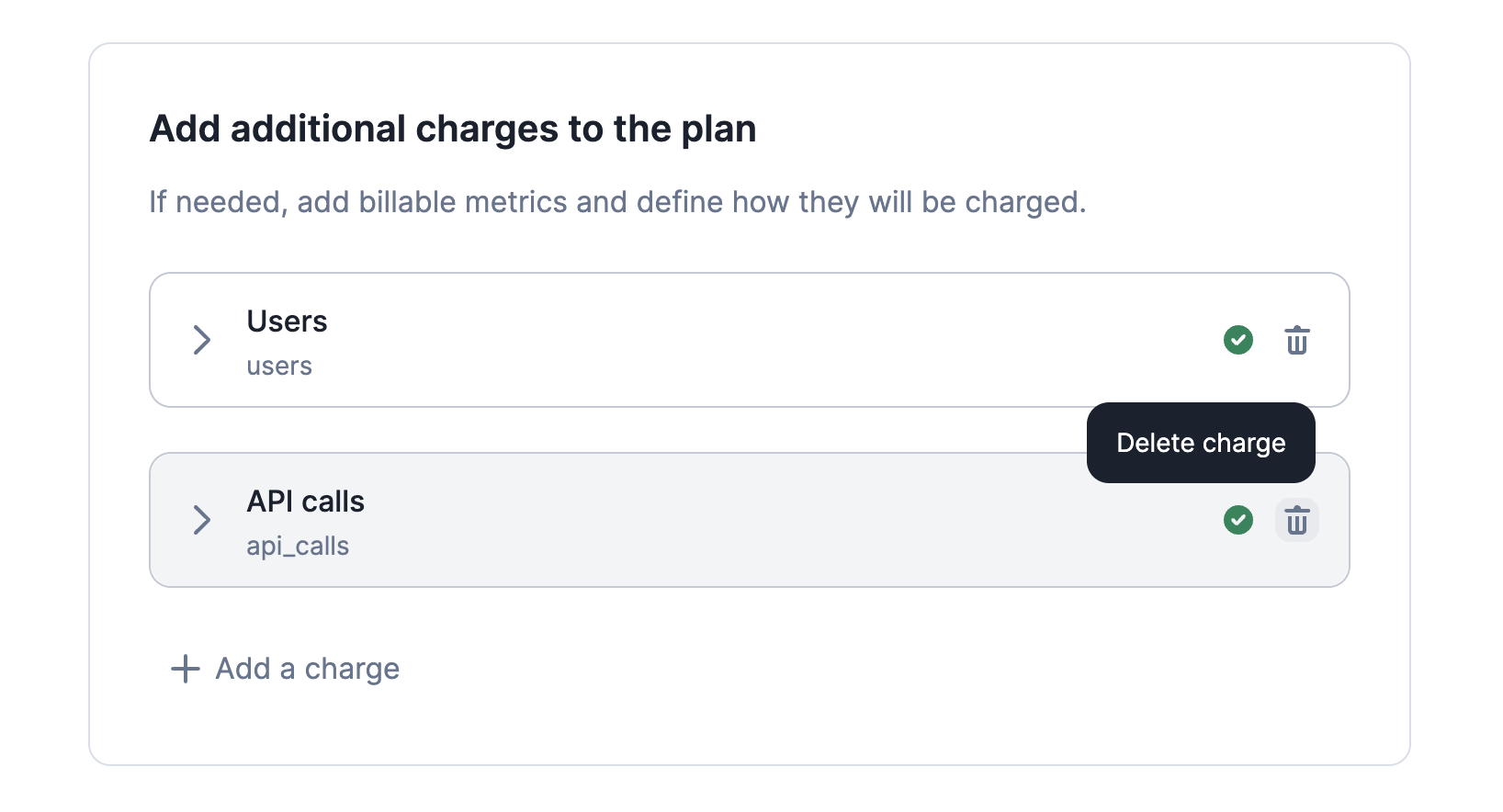
## Delete a fixed charge[](#delete-fixed-charge "Direct link to heading")
You can delete a fixed-charge even if the plan is associated to active [subscriptions](/guide/subscriptions/assign-plan).
Once deleted and saved:
* The fixed-charge is immediately removed from all linked subscriptions
* It is removed from all `draft` invoices.
However, the fixed-charge will still appear on invoices `finalized` before the deletion.
 ## Invoice display name[](#invoice-display-names "Direct link to heading")
You can customize, during plan creation or edition, how a fixed-charge appears on invoices by setting an `invoice display name`.
This name overrides the default fixed-charge name and is shown everywhere invoices are displayed.
## Invoice display name[](#invoice-display-names "Direct link to heading")
You can customize, during plan creation or edition, how a fixed-charge appears on invoices by setting an `invoice display name`.
This name overrides the default fixed-charge name and is shown everywhere invoices are displayed.