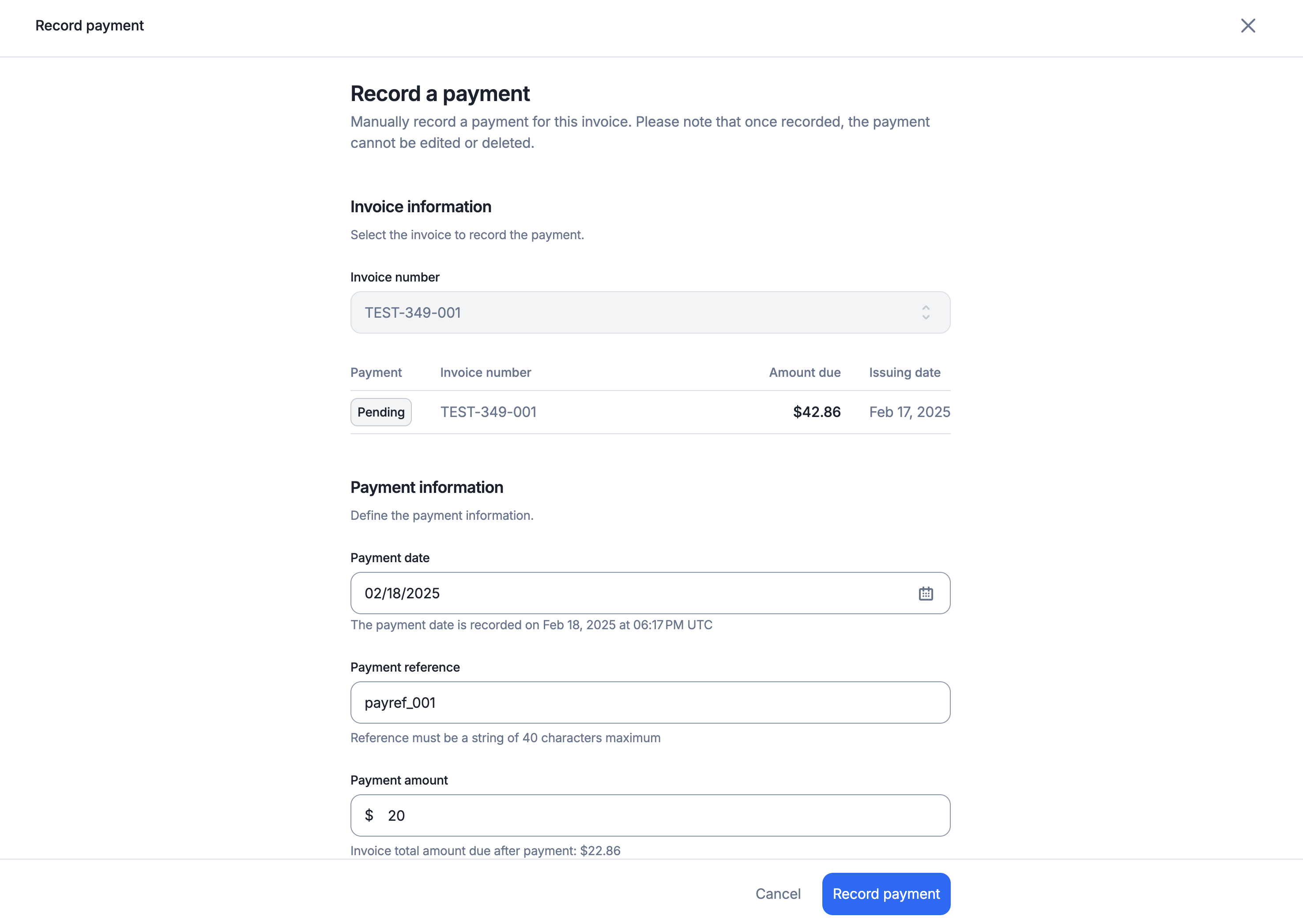
On top of our native integrations with leading payment providers, you can also record manual payments.
For manual or non-Lago-native payment methods, you can record payments via the API or UI.
Both partial and full payments can be recorded; however, an invoice’s payment status will only update to succeeded when it is fully settled.