

Overview of charges
Fixed charges let you bill recurring fees that are not based on usage. They are tied to add-ons and sit outside the event stream. Common examples include platform fees, seat licenses, or support packages. Unlike usage-based charges, fixed charges are billed as a fixed recurring amount. The units defined on the fixed charge are used by Lago to generate the fee on the invoice.Charge models and billing behavior
Fixed charges support a limited set of pricing options compared to usage-based charges. They can use: They can be configured to:- Be billed in advance or in arrears
- Be billed in full or prorated
Currency
All fixed charges use the same currency as the plan, ensuring consistency across invoices.Trial period
Trial periods apply only to the plan’s base amount. Fixed charges are always billed, even during a trial.Decimals precision
Fixed charges can be defined with up to 15 decimal places (for example: $0.000123456789123). Fixed charges are invoiced inamount_cents, so Lago automatically rounds values when generating invoices (for example, USD 1102 amount_cents = $11.02).
Edit a fixed charge
When editing a fixed charge, you can edit the amount and the unit already defined. You can choose when unit changes should apply:- Apply now: The new unit value is applied immediately. If the fixed charge is billed in advance, this may trigger invoice issuance.
- Apply at next billing period: The new unit value is applied at the start of the subscription’s next billing period.
Editing a fixed charge unit may generate invoices when the charge is billed in advance and changes are applied immediately.
Customers will receive an invoice reflecting this update.
Customers will receive an invoice reflecting this update.
Update a fixed charge via the API
To update a fixed charge on a subscription, pass it under theplan_overrides object when you create or update the subscription.
How you update it changes the outcome:
- Pass only
units(andapply_units_immediatelyif needed) to change the quantity. This does not create a plan override. - Pass any other field, such as a price or
properties, and Lago creates a plan override.
Update units only (no override)
Update price (creates an override)
Send only
units to change the quantity without creating an override. Any other field creates one.Delete a fixed charge
You can delete a fixed-charge even if the plan is associated to active subscriptions. Once deleted and saved:- The fixed-charge is immediately removed from all linked subscriptions
- It is removed from all
draftinvoices.
finalized before the deletion.
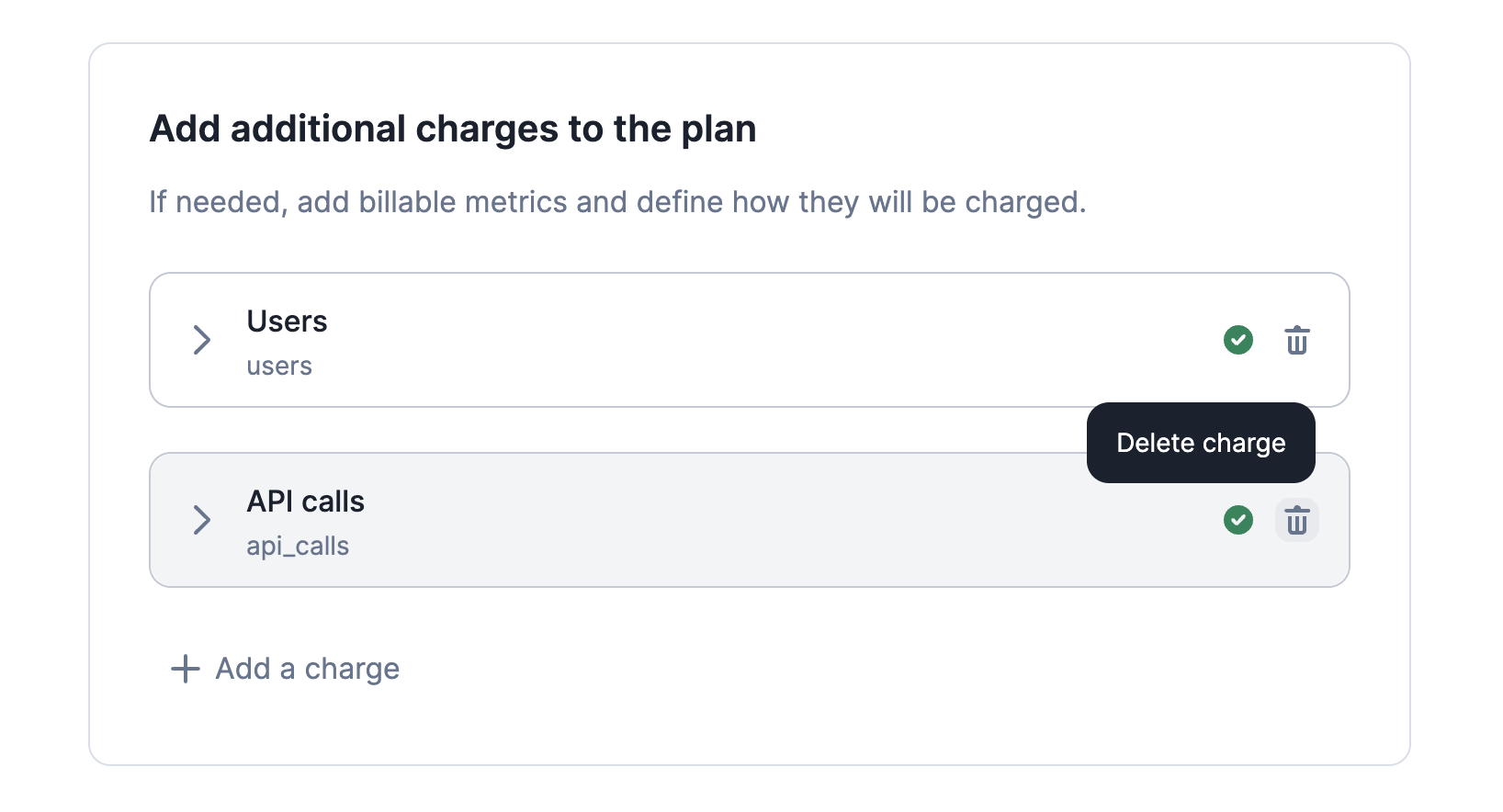
How to delete a charge
Invoice display name
You can customize, during plan creation or edition, how a fixed-charge appears on invoices by setting aninvoice display name.
This name overrides the default fixed-charge name and is shown everywhere invoices are displayed.